
Start in the browser
Use this if you work at app.tabloy.ai. You do not need to install anything.
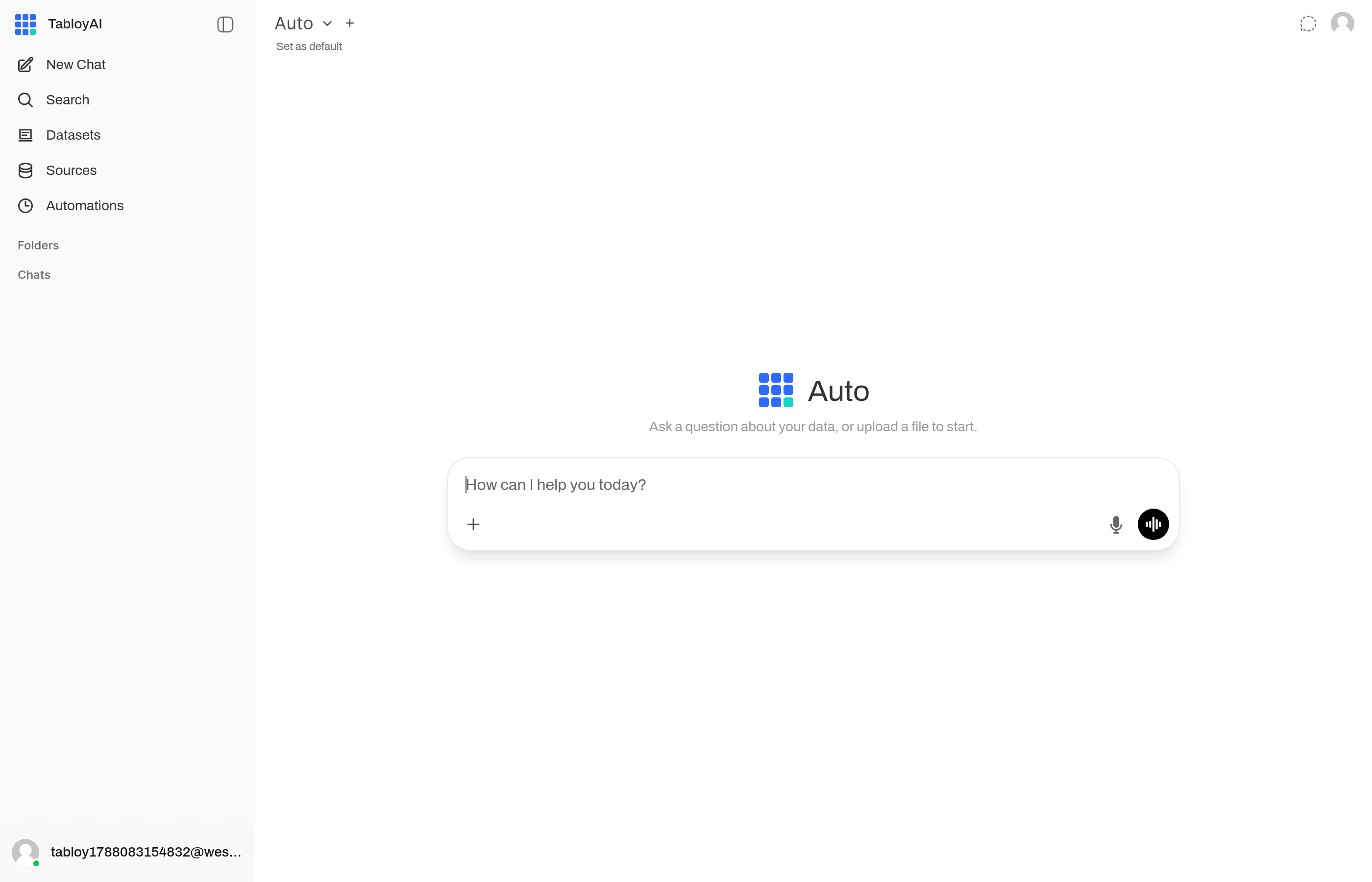
The chat after you sign in. Ask a question, or upload a file to start.
Do this
- Open app.tabloy.ai.
- Create an account or sign in.
- Add a file: CSV, Excel, or JSON.
- Ask a question in the chat, for example
sales by month.
That is the whole first session.
Later, if you need it
- Connect a database instead of a file
- Send a report every week
- Get the answer in Telegram
- Install the desktop app if you want the files to stay on your device
If the answer looks wrong
Check that the file you uploaded is the one selected in the chat. Then ask again, with the month or column name in the question.