
Something is wrong
Try the short list first. Then the one that matches.
- Check the internet.
- Refresh the page, or quit the app and open it again.
- Confirm you selected the file you meant.
I cannot sign in
Browser: open app.tabloy.ai in a normal window, not a locked-down iframe. Try another browser.
App: click Sign in in browser again. Finish in the browser, then come back to the app. Do not close the app while it says it is waiting.
The file will not upload
- Use CSV, Excel, or JSON
- Try a smaller file
- Open the file on your computer first and make sure it is not empty
The answer is about the wrong data
The wrong file is selected. In the browser, click the right dataset. In the app, press Set on that file.
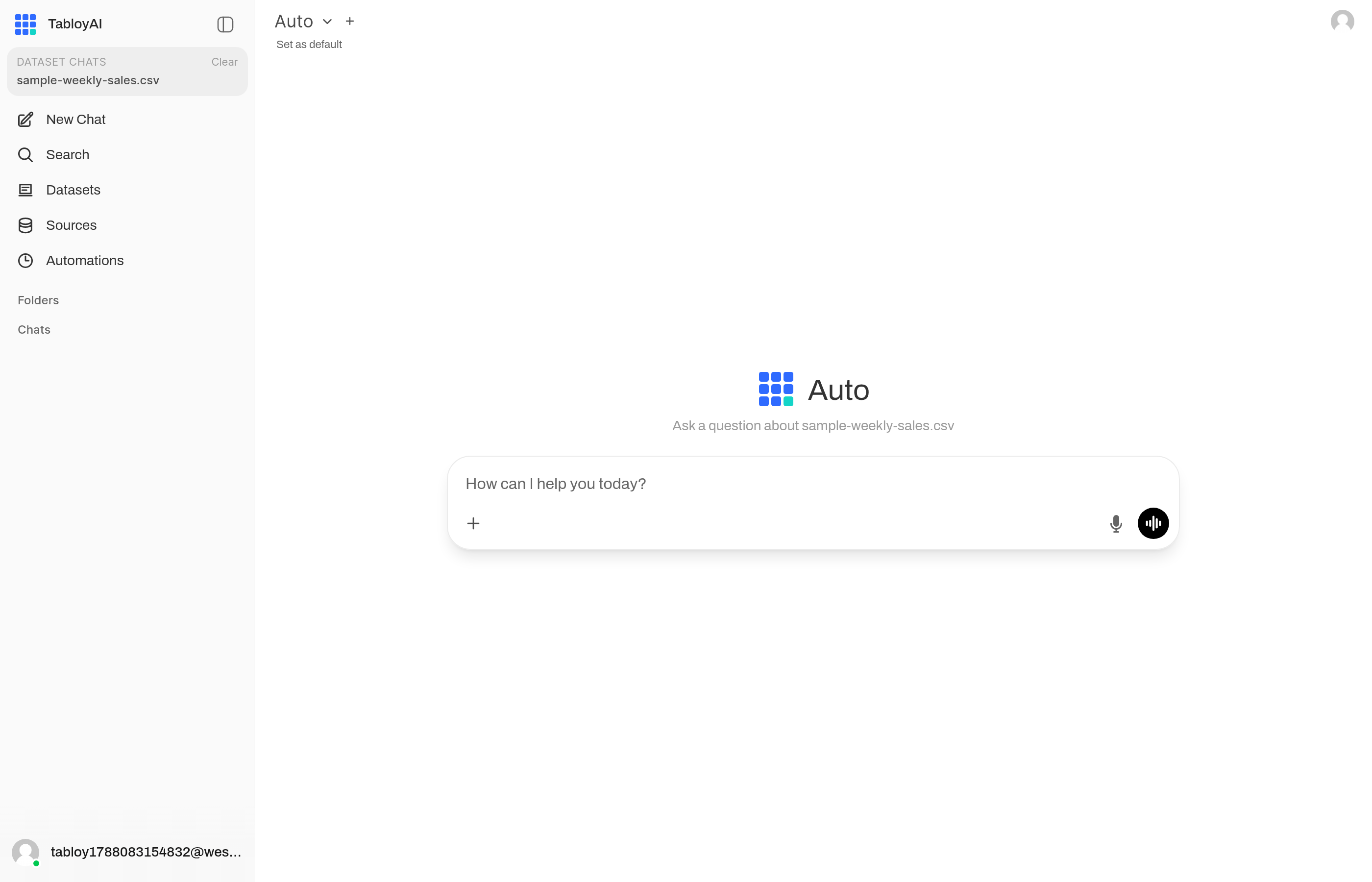
The selected file is named in the chat. If this is the wrong one, pick another dataset.
Telegram is silent
Connect from Automations → Connect Telegram, then press Start on that link. The bot will not answer a normal chat message. See Telegram.
I hit a limit
Open your profile and check the plan. Save your work. Try again later, or upgrade.
Still stuck? Write to us from tabloy.ai and say what you clicked.