
Scheduled reports
An automation is a question Tabloy asks for you, on a schedule. The answer goes to Telegram.
Steps
- Open app.tabloy.ai.
- In the left menu open Automations.
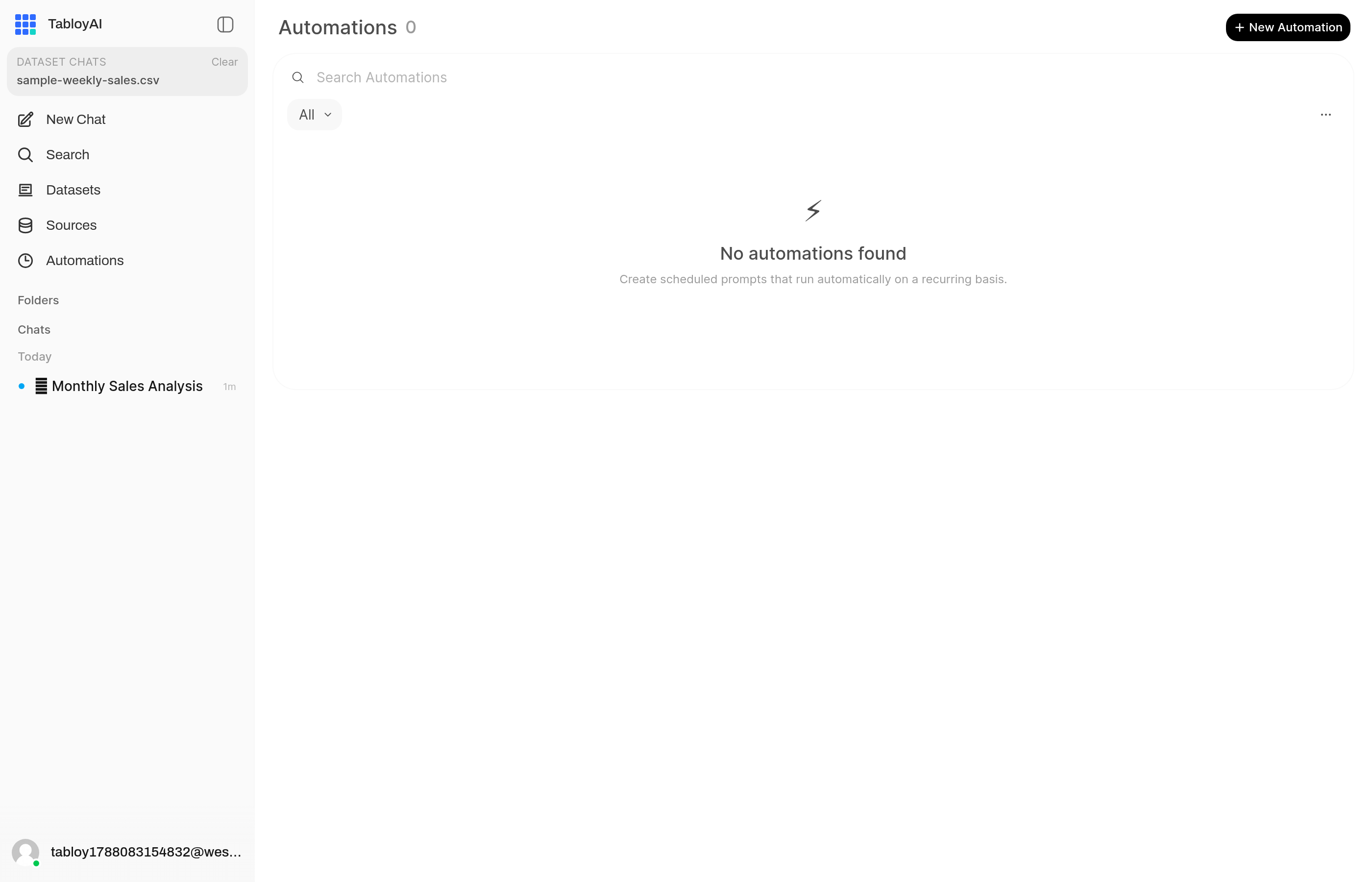
This list is empty until you create a report.
- Click New Automation.
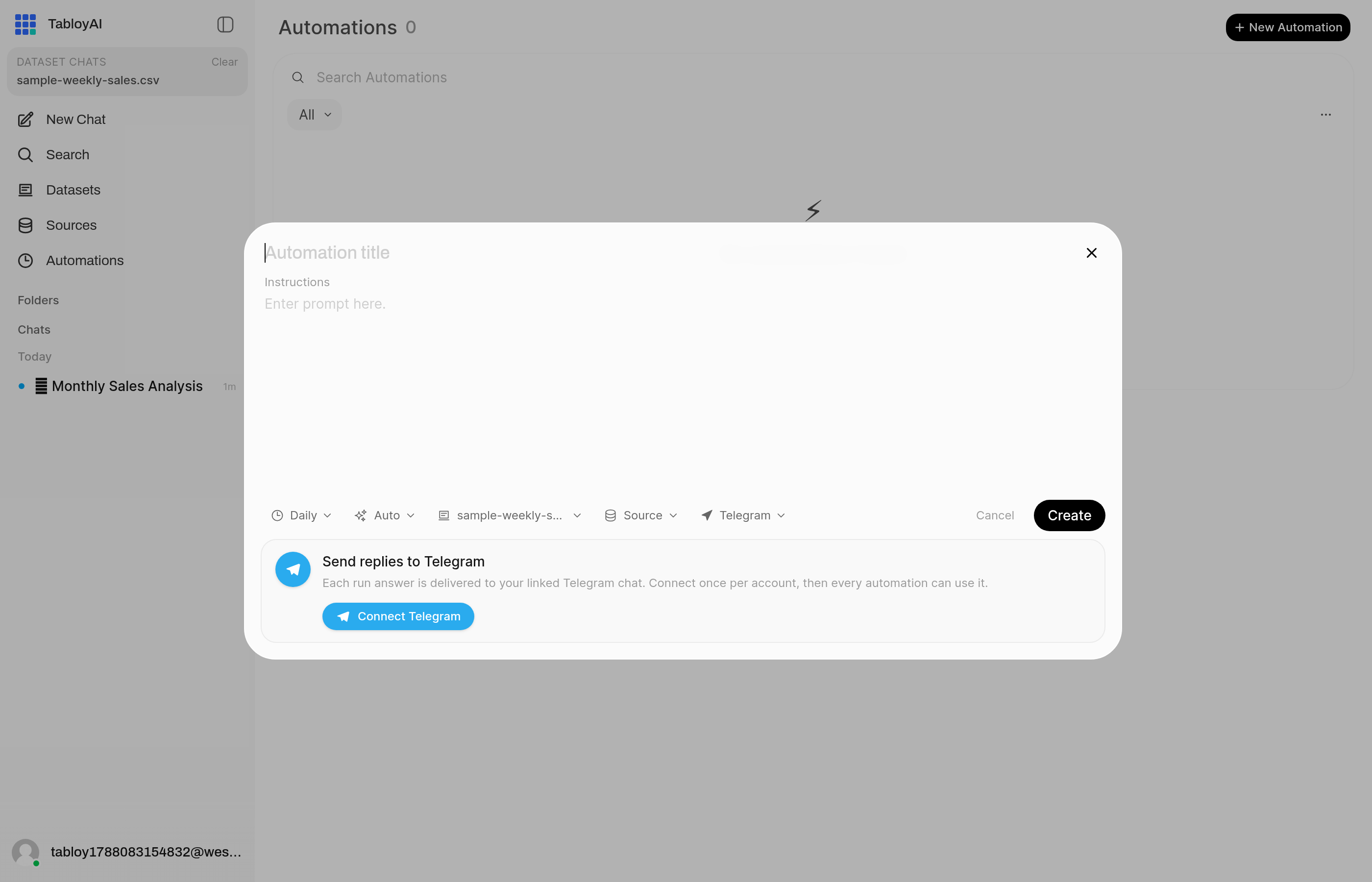
Empty form. Write the question, pick the file, keep Telegram.
- Write the question you want each time, for example
Weekly sales by region. - Pick the Dataset or Source.
- Leave destination on Telegram.
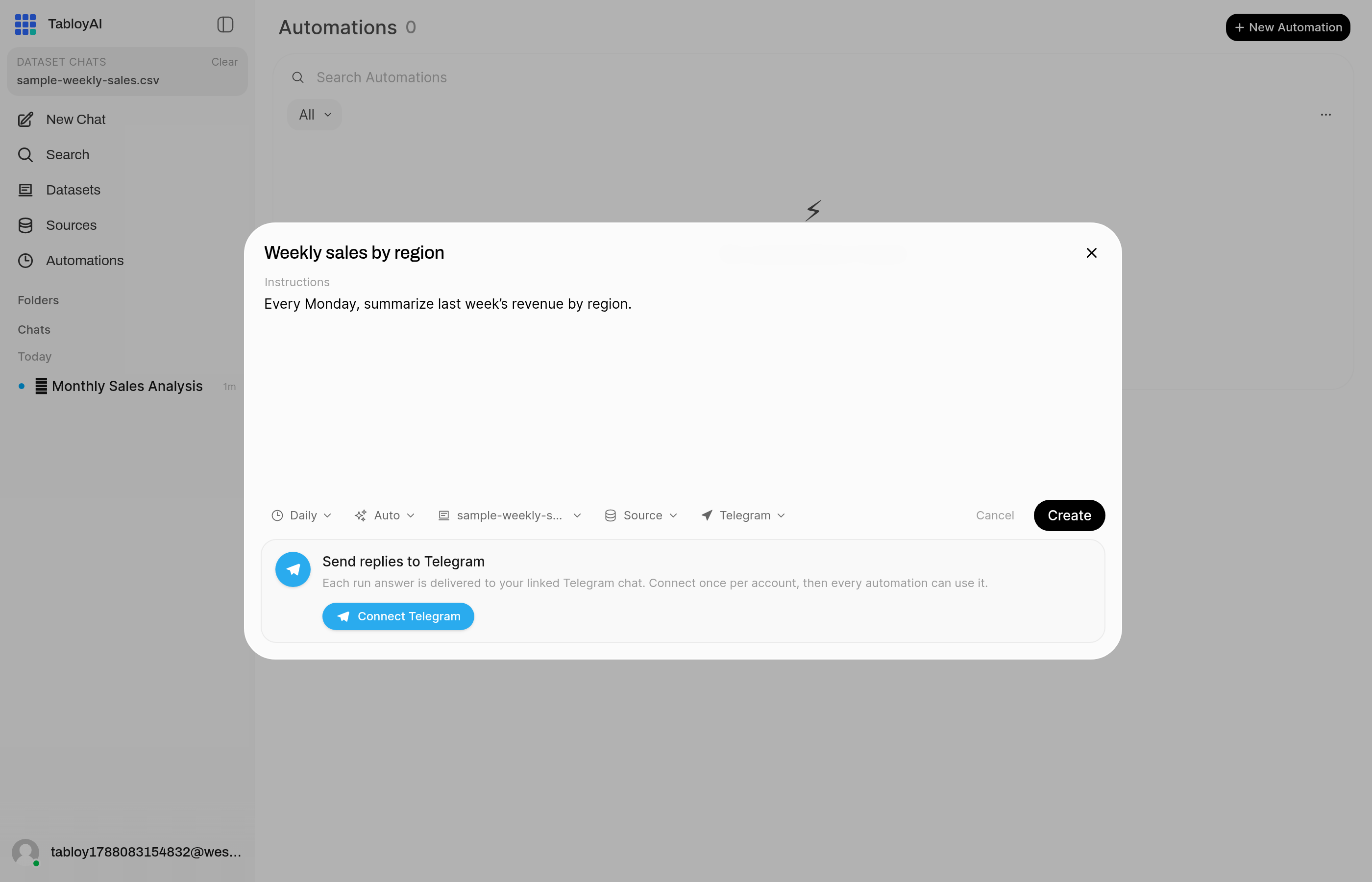
Write the same kind of question you would type in chat. Pick the file. Keep Telegram.
- Connect Telegram if you have not already.
- Save. Keep it Active.
What to write in the prompt
Write the same kind of question you would type in chat. One job per automation.
Good: Every Monday, summarize last week’s revenue by region.
Too much: Analyze everything and also rebuild the dashboard.
The bot does not chat
Do not type questions to the Telegram bot. It only delivers the finished answer. To change the report, edit the automation in Tabloy.