
Connect a database
Use this when the data is already on a server, not in a spreadsheet.
Steps
- Open app.tabloy.ai.
- In the left menu open Sources.
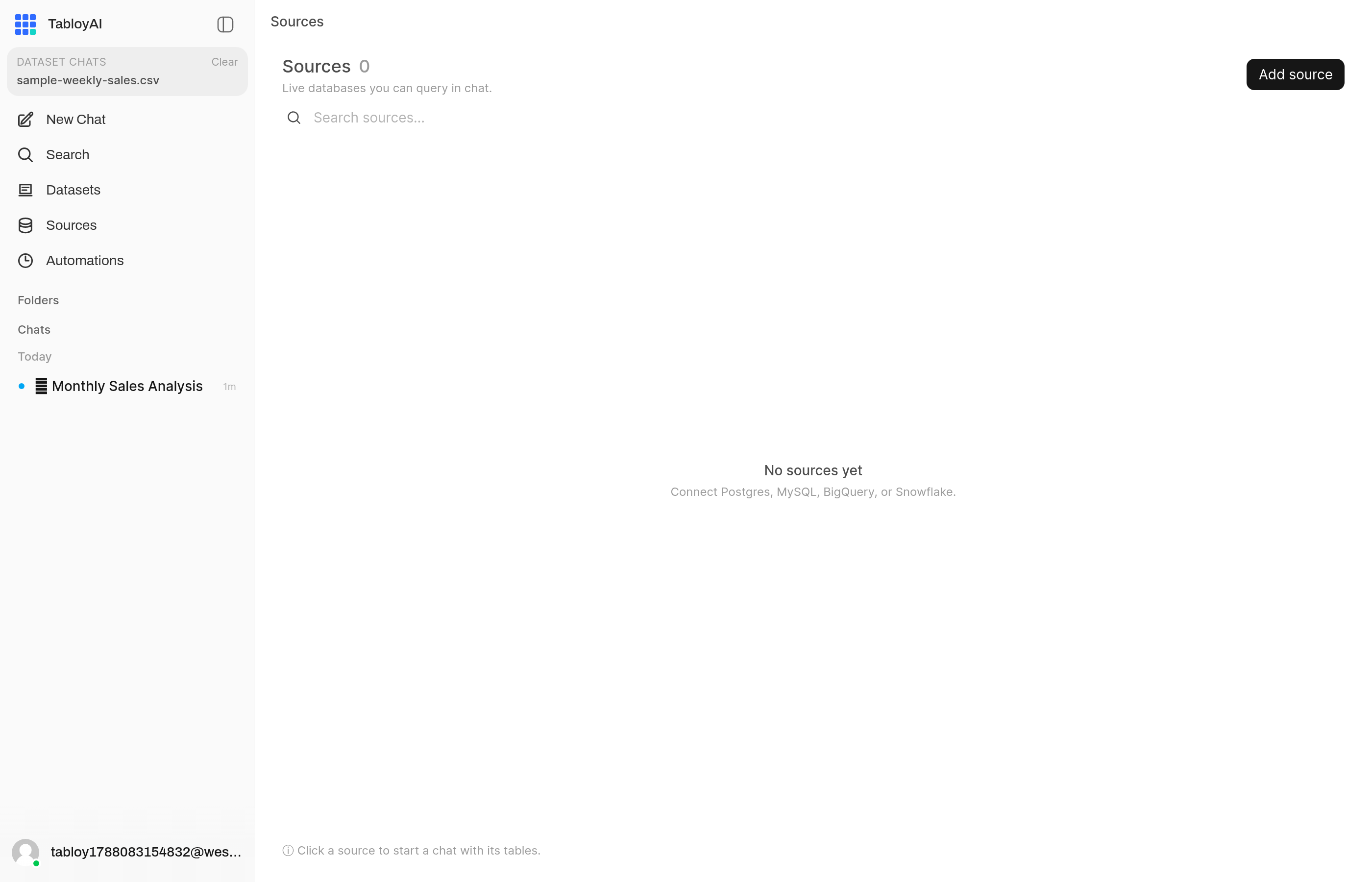
Sources is for live databases, not spreadsheets.
- Click Add source and pick the type: Postgres, MySQL, BigQuery, or Snowflake.
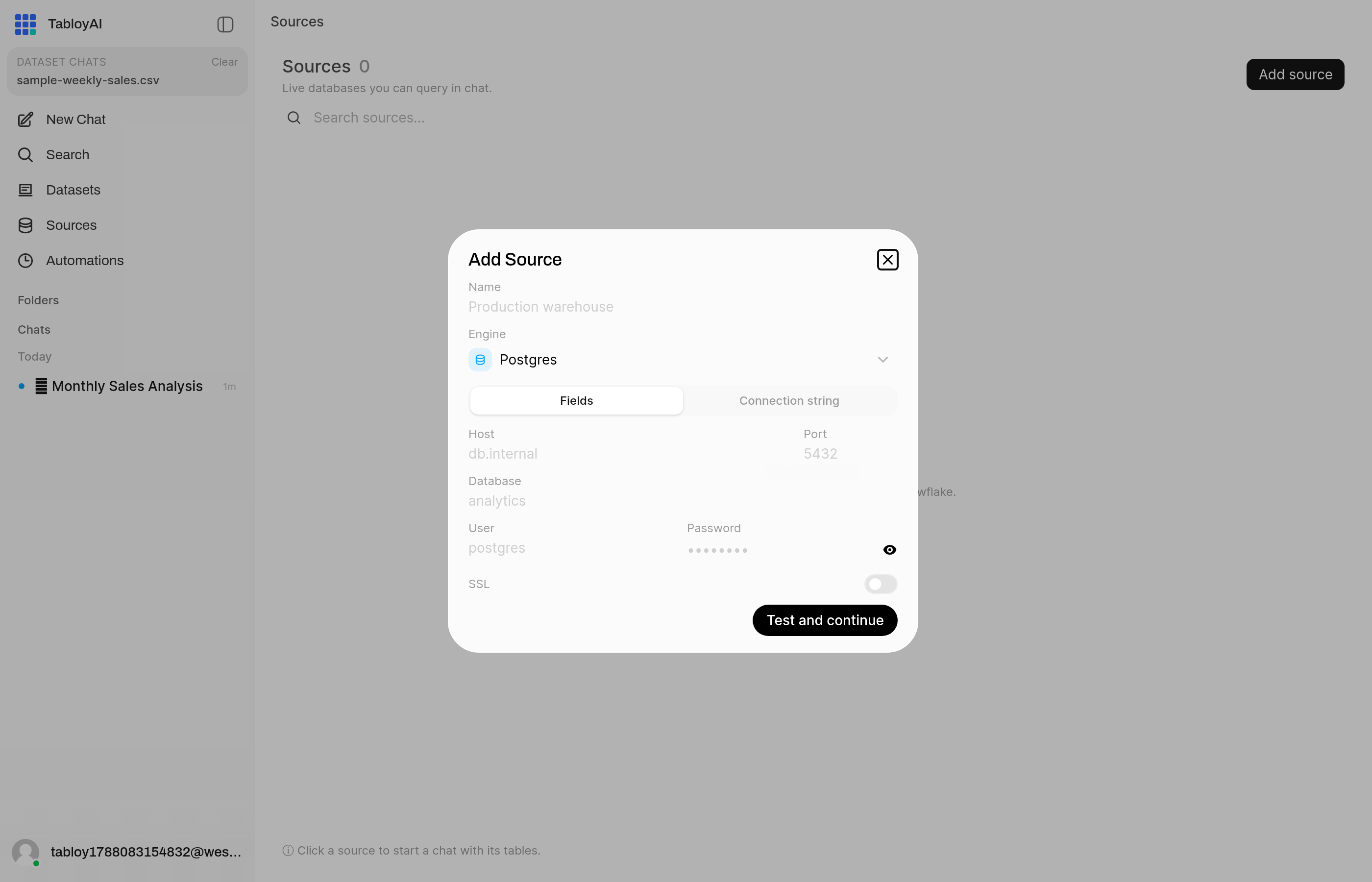
Fill in host, database, and login. Start with Postgres if that is what you have.
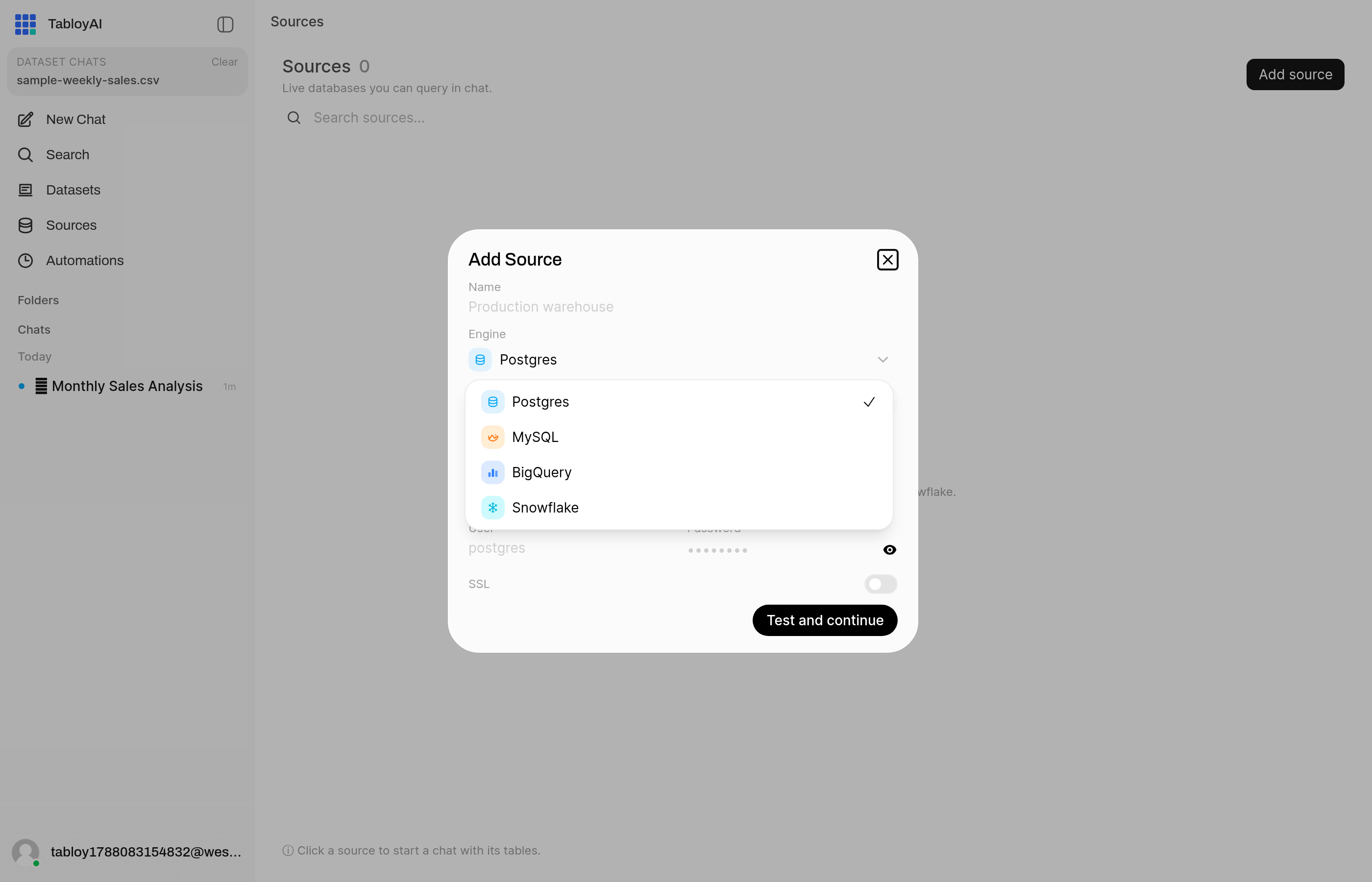
Pick Postgres, MySQL, BigQuery, or Snowflake.
- Enter the host, database, and login your admin gave you.
- Wait until the status is Ready.
- Select that source and ask a question.
Tabloy looks at the tables first. That can take a minute.
If connect fails
- Host, database, user, and password must all be filled in
- The database must allow connections from the internet (or from Tabloy)
- Ask your admin if a firewall or SSL setting is required
Most people start with a file instead.