
Add a file
Tabloy can read CSV, Excel (XLSX / XLS), and JSON.
Steps
- Open app.tabloy.ai and sign in.
- In the left menu open Datasets.
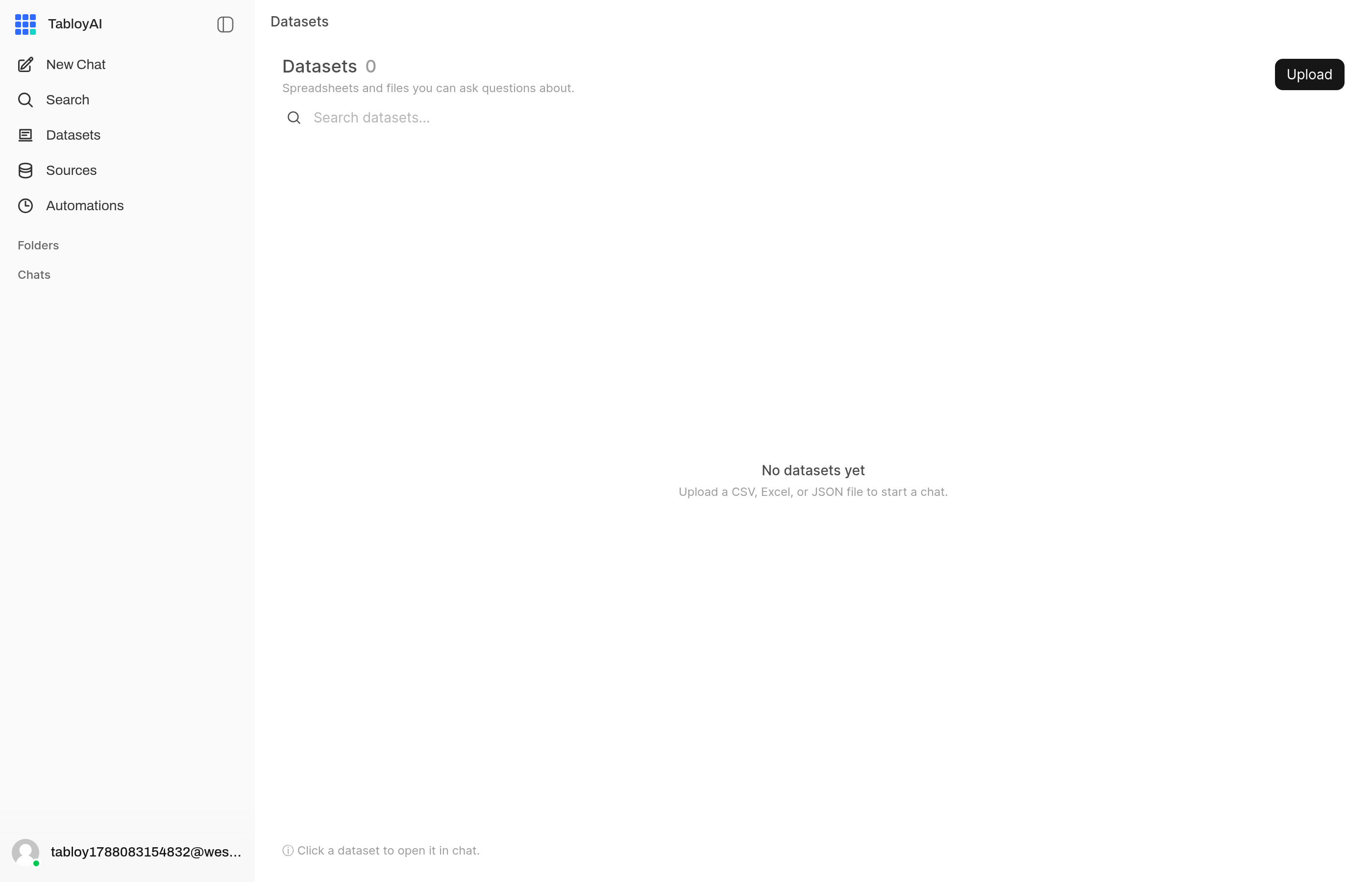
Datasets is empty until you add a file.
- Click Upload and pick your file. You can also drop it into the chat if you are already there.

Upload sits on the Datasets page.
- Wait until processing finishes.
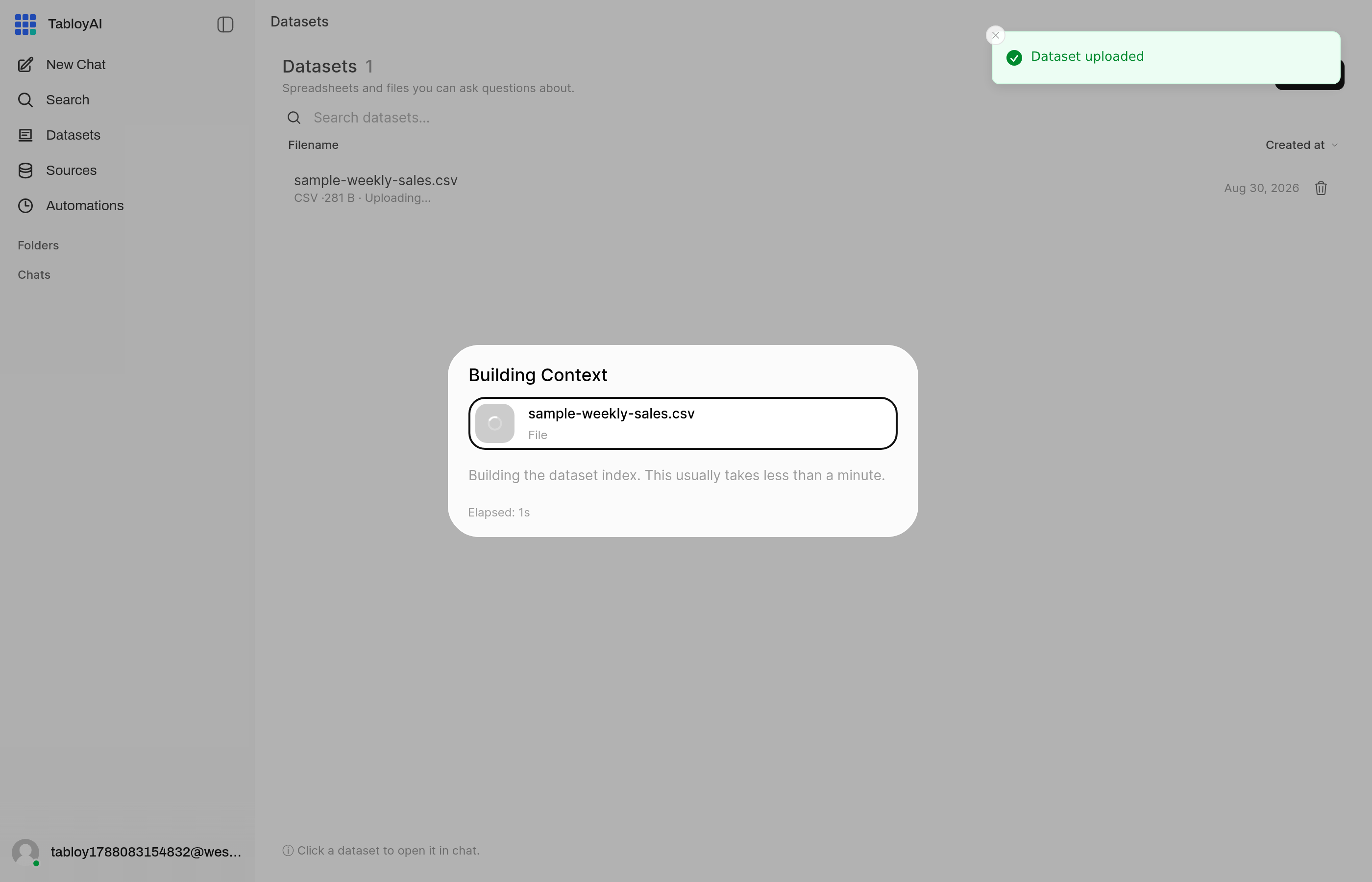
After upload Tabloy builds an index. The file is already in the list. Wait, then click it.
- Click the file so Tabloy uses it for the next question.
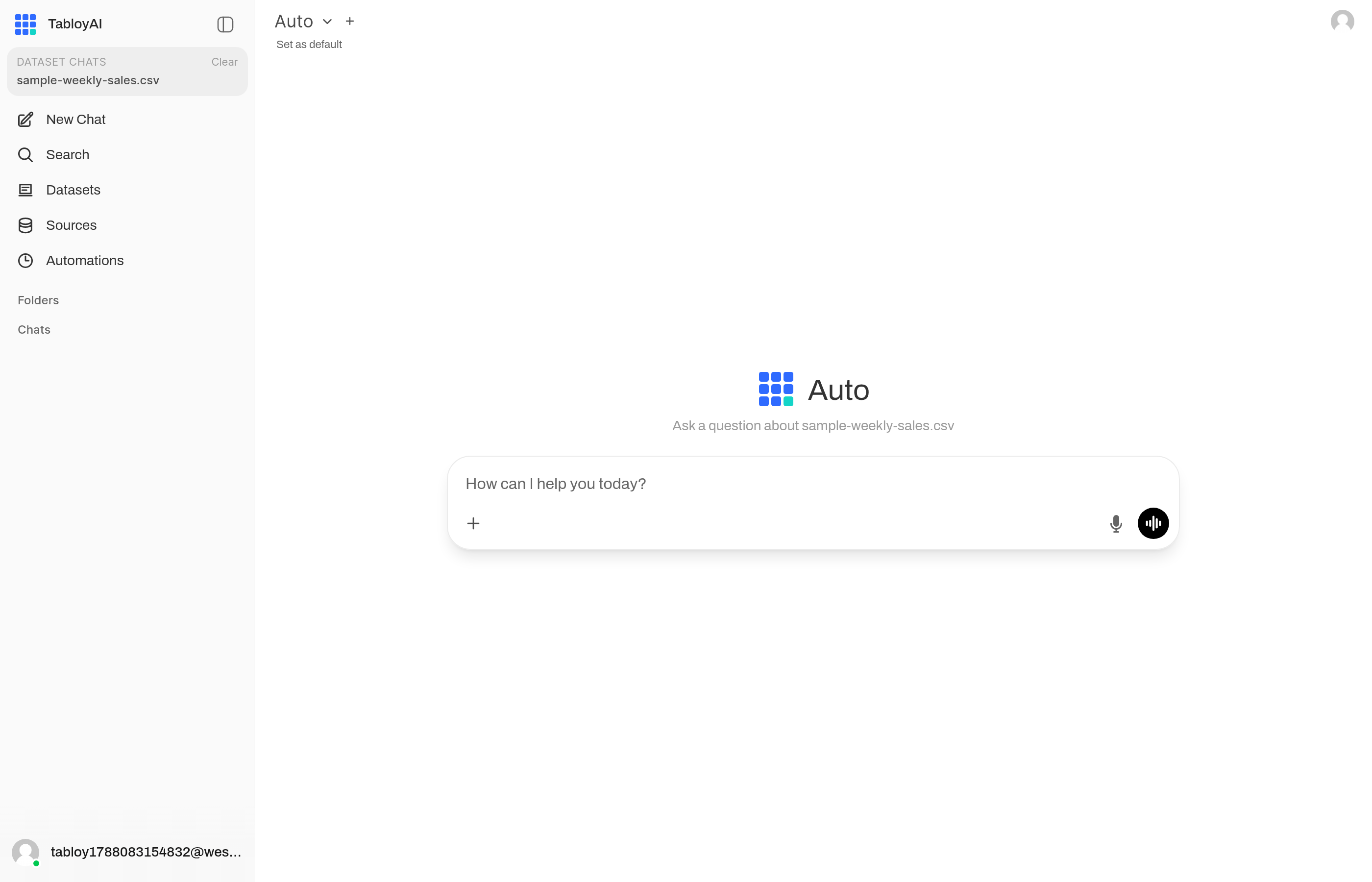
Click the file and Tabloy opens a chat about that dataset.
Then go to Ask a question.
Make the file easier to read
- One topic per file (sales or hiring, not both)
- Clear column names:
date,revenue,region - Dates and numbers look like dates and numbers
You do not need a perfect file. If the answer is off, fix the columns and upload again.
Practice file
If you want a ready example, use the sales spreadsheet.
Using the desktop app instead? See Add a file in the desktop app.