
Ask a question
Steps
- Open app.tabloy.ai.
- Select the file you uploaded (or add one first).
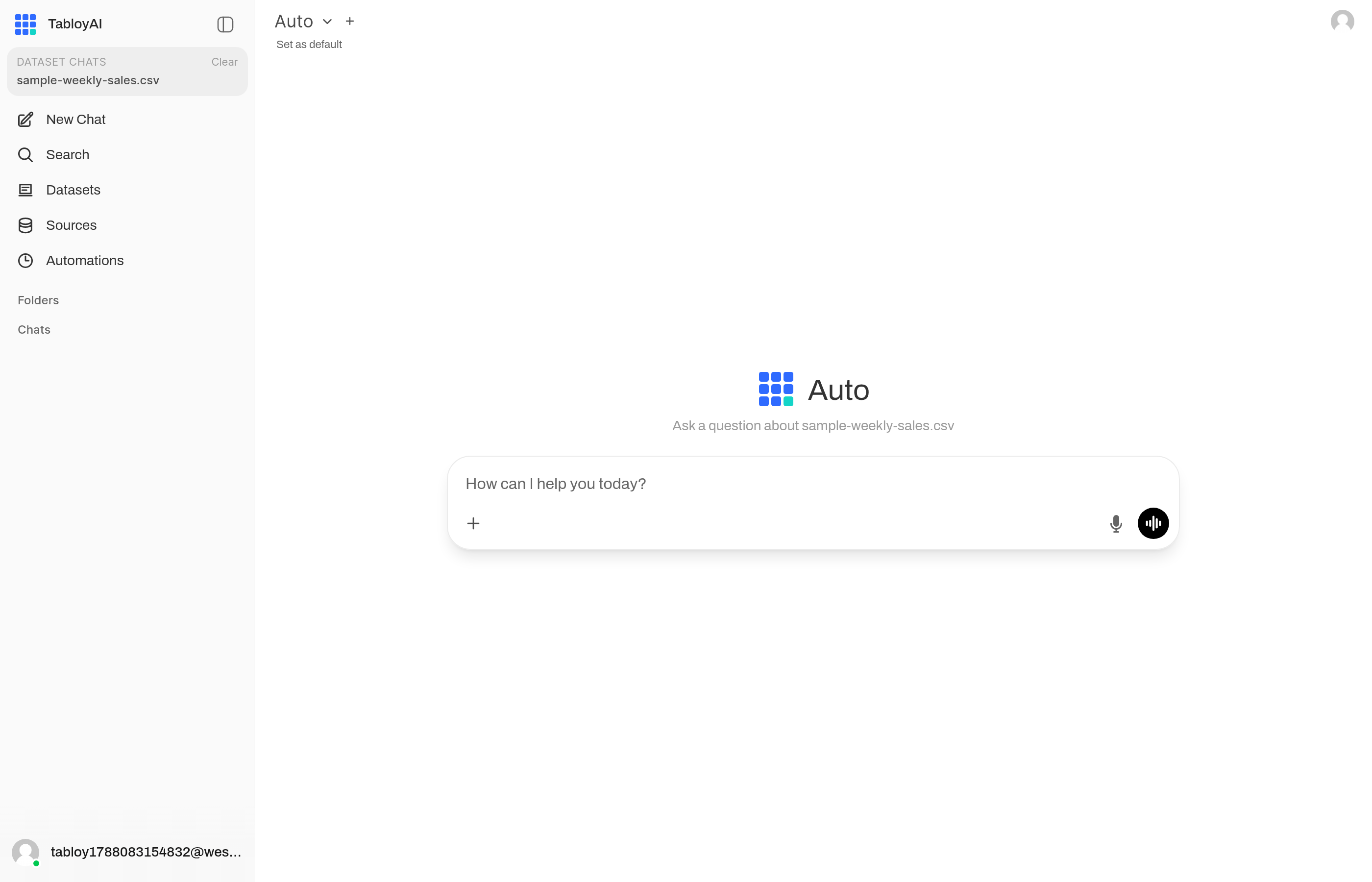
The file is selected. The chat says which dataset the question is about.
- Type a normal question in the chat.
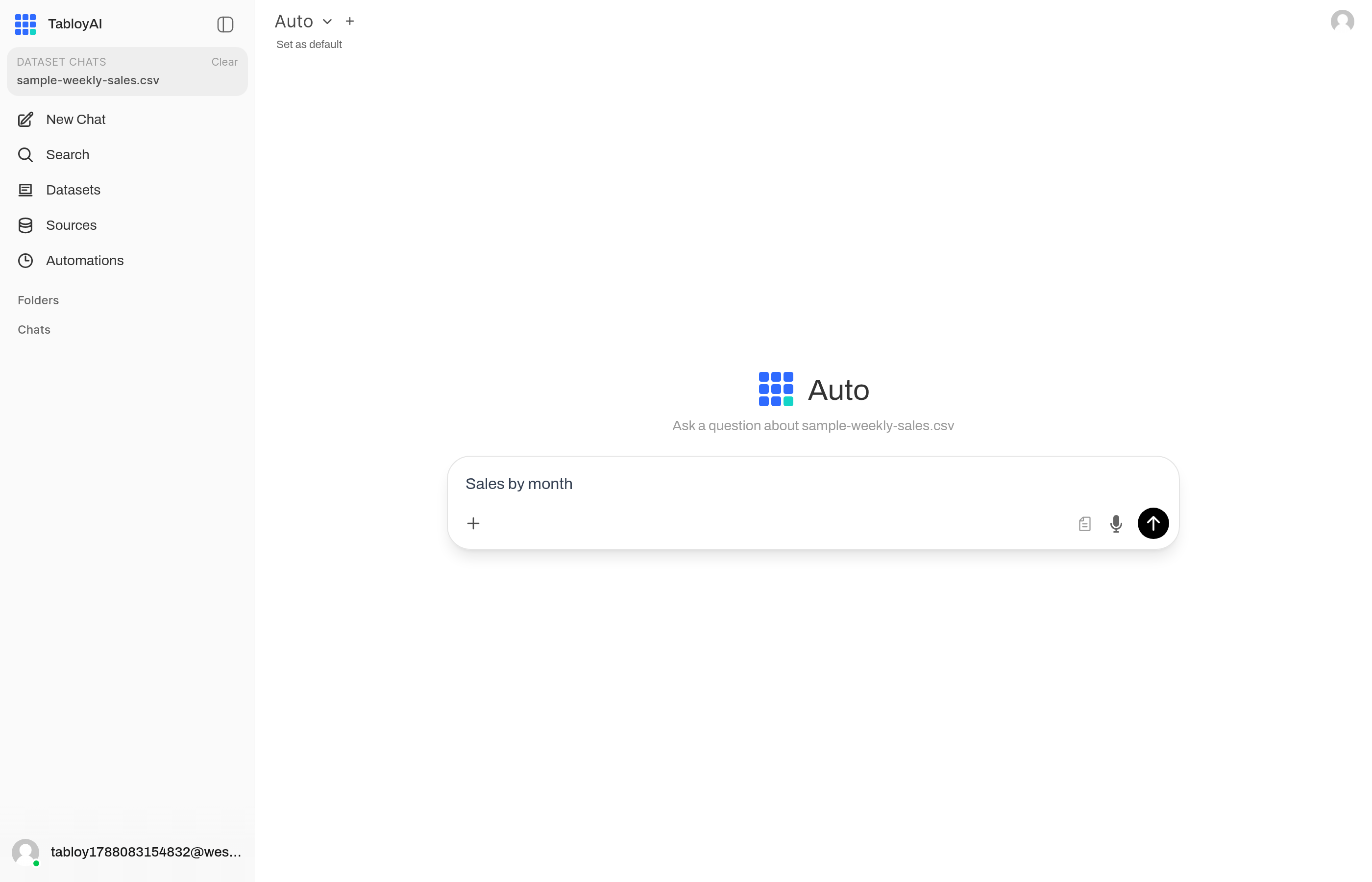
A normal question, for example “Sales by month”. Then send.
- Leave the model on Auto unless you already know you need another one.

Auto is enough for the first question.
- Send. Wait for the answer in the same chat.
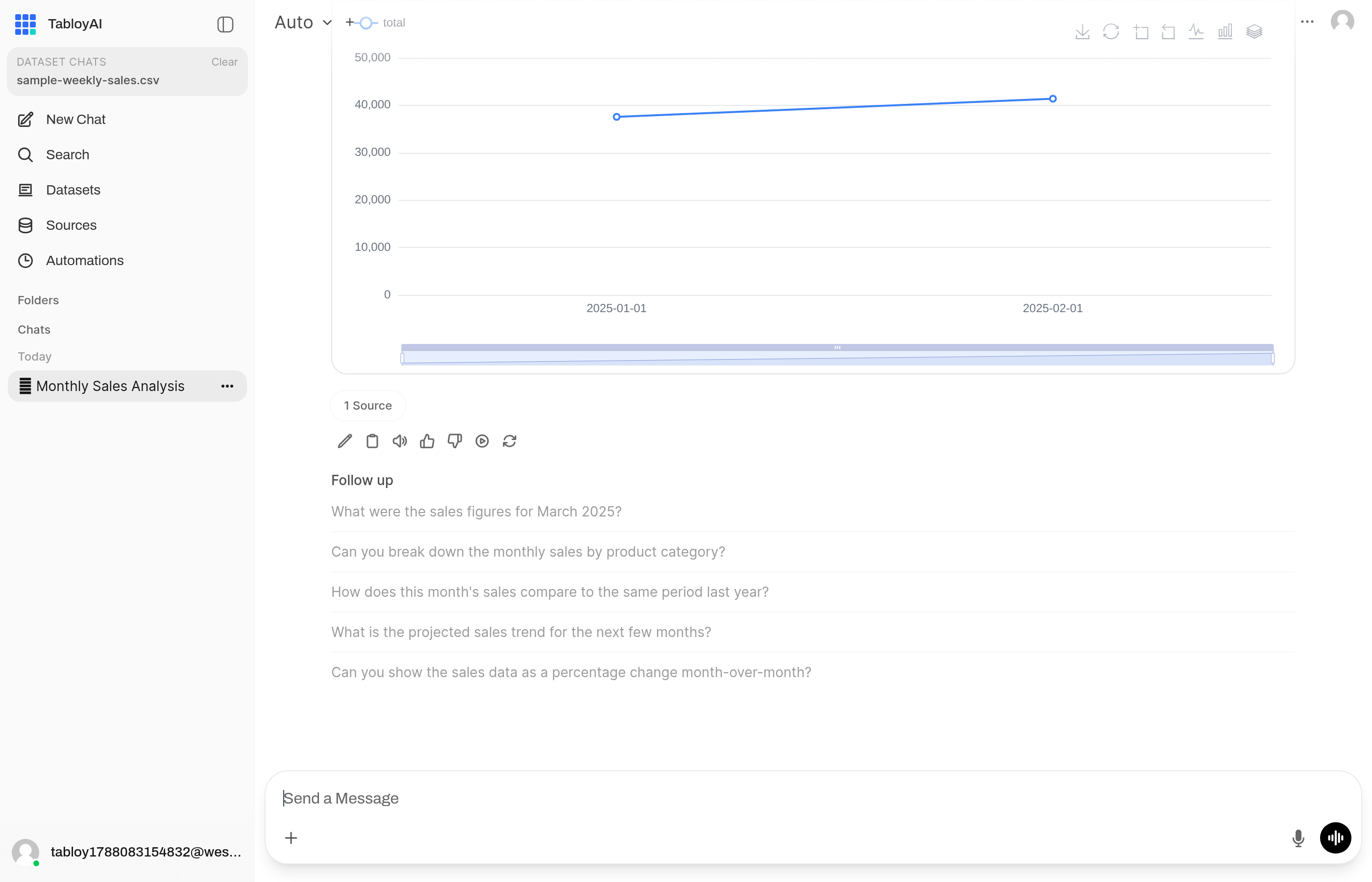
This is the reply: text, and often a chart or a table.
Questions that work well
Sales by monthWhich region is down this quarter?Show a table of the top 10 products
Add the time range if you have one: in 2025, last 30 days.
If Tabloy answers about the wrong thing
- Check that the right file is selected.
- Ask again and name the column:
use the revenue column. - Ask for one thing at a time.
Need the same answer every Monday? See Scheduled reports.